

BC Poker App Download: A Gateway to Games, Skill and Tournament Nights
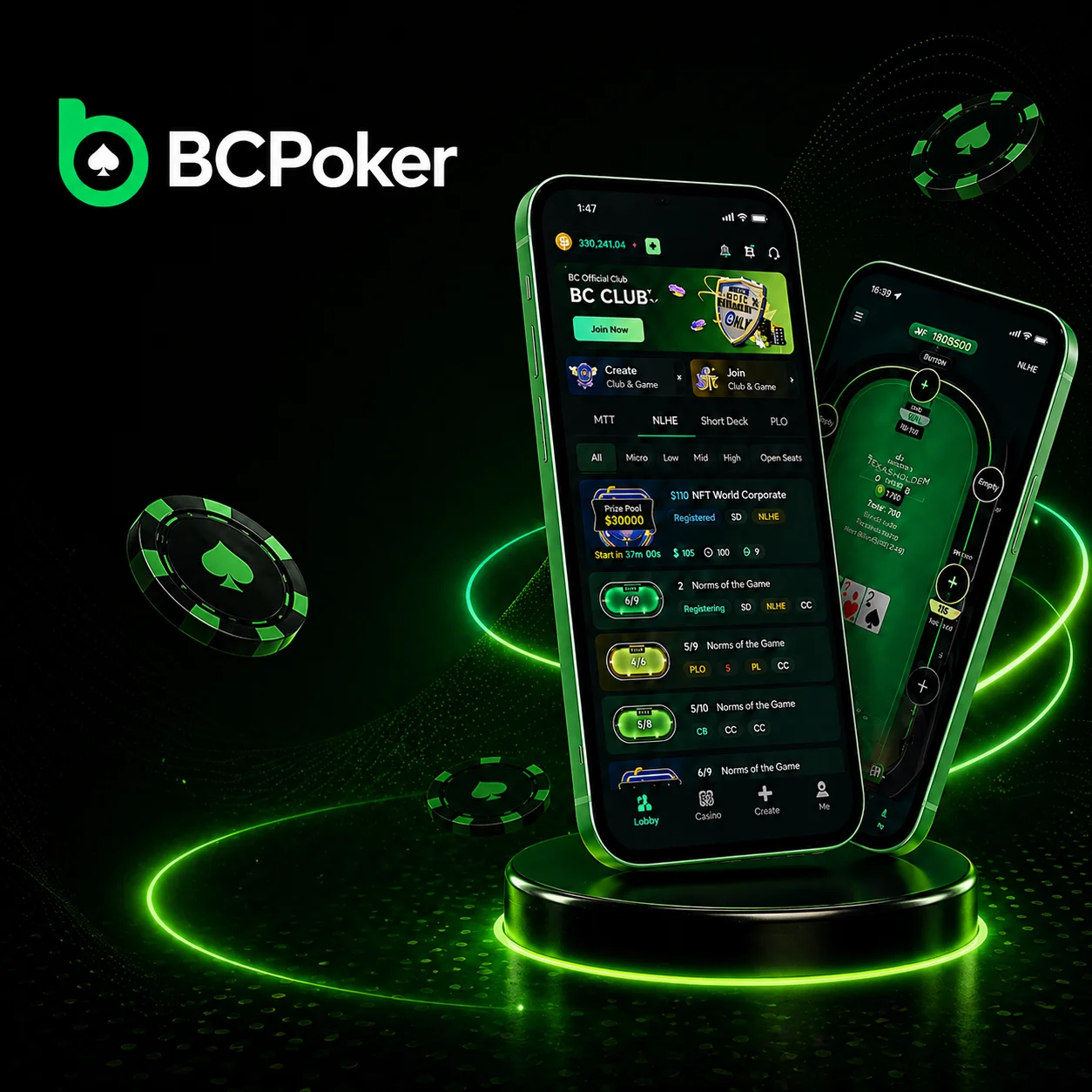
BC Poker download paths and app access
BC poker download is accessible from two places on the site: the Download button in the top navigation and the Download Now button further down the homepage. Both lead to the same Download page, which presents all available installation methods in one view.
Download entry points on the official site:
- Play Now – opens the browser-based poker client for immediate play without installing;
- Download – navigates to the full Download page with iOS and Android options;
- Download Now – a secondary CTA that repeats the same download flow;
- QR code on the Download page – scanned from a phone to start the install flow directly on the device.
From the BC poker download page, players select their device type and proceed to the relevant installation method. The page covers App Store, Google Play, iOS Backup Version, and Android APK under one URL. BC Poker Online provides access to the same download options in a unified interface, ensuring users can quickly find and install the correct version for their device.
Installing BC Poker on iOS and Android
The Download section organizes iOS and Android into separate paths, with both a primary setup option and a backup method available.
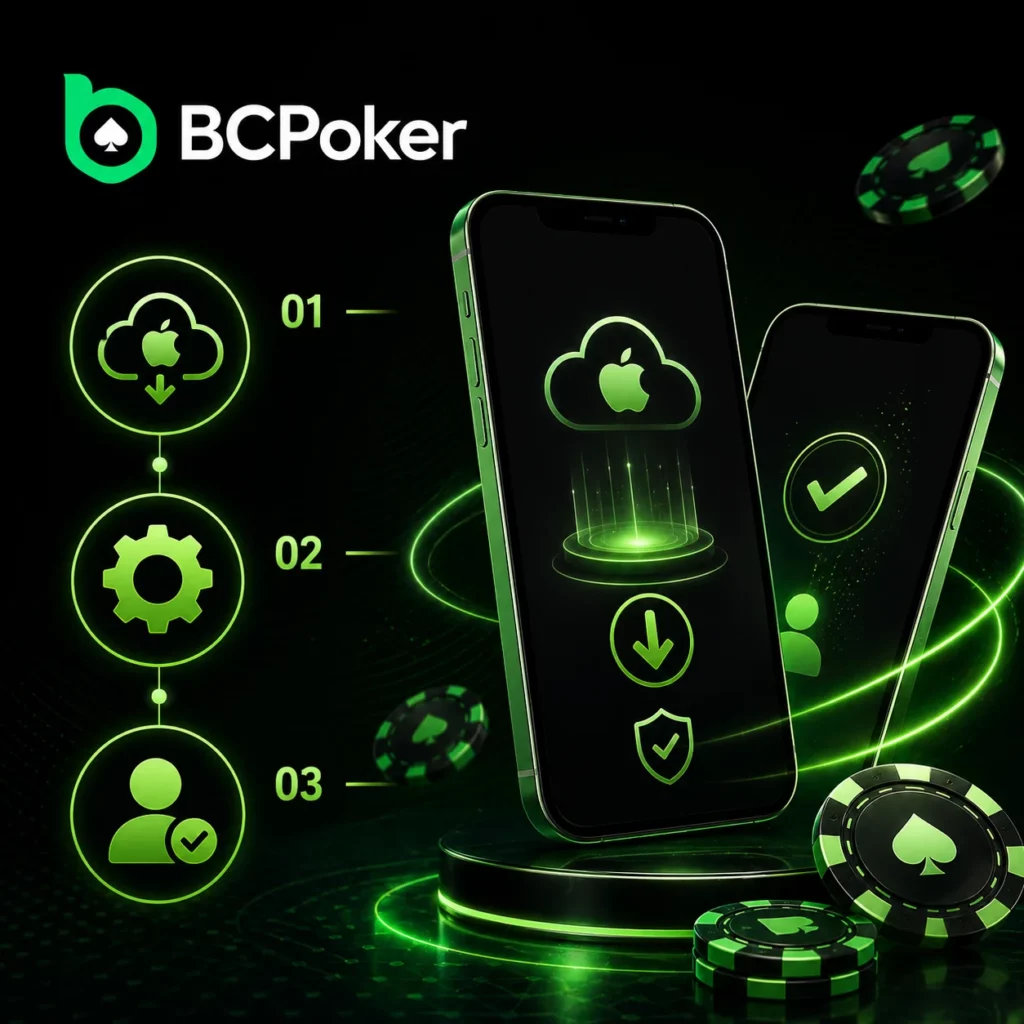
BC Poker iOS install options
Standard install via App Store:
- Visit the Download page and select the App Store option;
- Tap the Exclusive Link to open the application page;
- Download the app and log in using your account details.
Alternative install via iOS Backup Version:
- On the Download page, choose the iOS Backup Version;
- Follow the provided steps for the backup installation method;
- Finalize the setup and sign in through the installed profile.
Players can also scan the QR code on the Download page with an iPhone or iPad to access the bc poker ios installation flow directly without entering the link manually.
BC Poker APK and Android install methods
Standard install via Google Play:
- Visit the Download page and select the Google Play option;
- Tap the Exclusive Link to open the application page;
- Download the app and log in with your account credentials.
Alternative install via BC poker APK:
- Open device Settings and navigate to the Security section;
- Allow installations from Unknown Sources;
- On the Download page, tap the APK download button or scan the QR code;
- Run the downloaded file and complete the bc poker download installation.
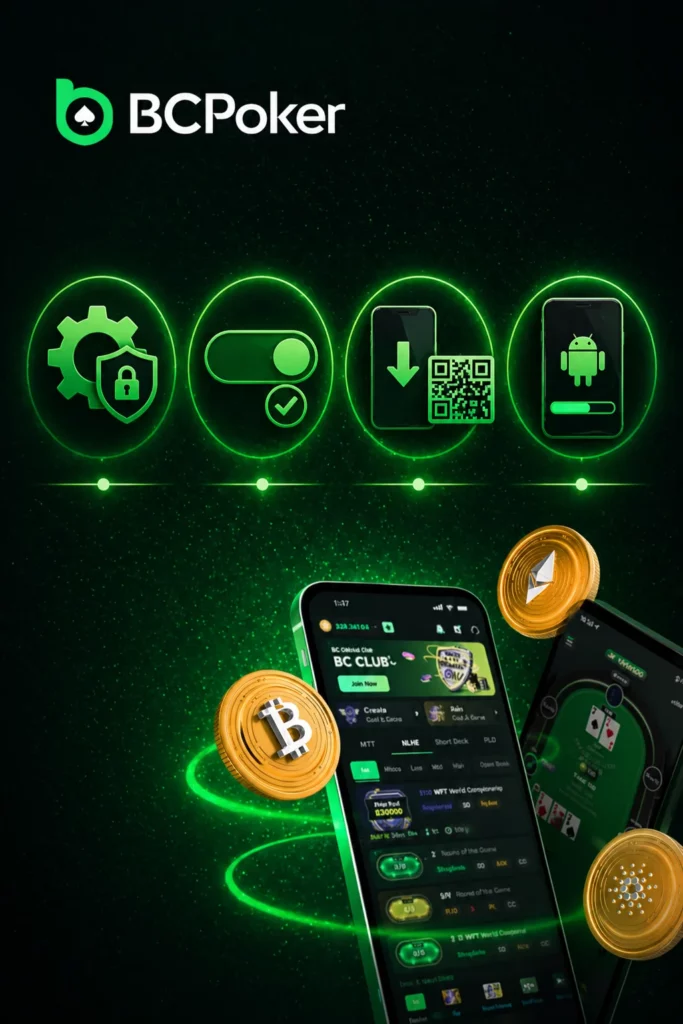
Mobile poker formats available through the BC Poker app
Download BC Poker app to access three main poker variants through the mobile lobby, all available for real-money play:
- Texas Hold’em – the most-played poker format globally, available in No Limit and across a full range of stakes; players receive two hole cards and build the best five-card hand using five community cards;
- 6+ Short Deck – a faster variant played with a 36-card deck (cards 2–5 removed), which changes hand rankings and increases the frequency of strong hands; suited to players who prefer more action per hand;
- Pot Limit Omaha (PLO) – a four-card format where each player uses exactly two of their hole cards and three community cards; pot-sized betting creates larger pots and more decision points compared to standard Hold’em.
Daily freerolls are also accessible through the mobile app, giving players free entries into real-money events without a deposit requirement.
Tournaments and special matches opened by the BC Poker App
Tournament lobby, satellites and fast-format matches
The BC Poker app gives access to a full tournament schedule alongside the cash game lobby. Players see upcoming events, registration windows, and buy-in information from the same interface.
Tournament formats available through the app:
- MTT (multi-table tournaments) – registered through the lobby before the start time; re-entry options are specified per tournament with defined limits on re-entry count;
- Target Stack Satellites – designed to feed into specific tournaments; players aim to reach a defined chip target to win the satellite prize;
- Spin & Go – three-player format with randomized prize multipliers; buy-ins from $0.25 to $100, with top multipliers reaching x200,000 and maximum payouts up to $1,000,000 from a $5 buy-in;
- BC Poker app All-in or Fold Sit & Go – a 16-player shootout where all players start with three stacks and act pre-flop only, making decisions with no post-flop play.
Deposits, withdrawals and app-side convenience on BC Poker
After completing the BC poker download and setting up an account, players manage deposits and withdrawals directly through the app without switching to the desktop version.
Transaction access points inside the app:
- Deposit from a wallet – connect a crypto wallet address (USDT, USDC, BTC, ETH, BC) and confirm the transfer on the relevant network;
- Deposit using a bank card – enter card details through the in-app cashier for fiat deposit methods;
- Withdraw funds – select the withdrawal method, enter the amount, and confirm; crypto withdrawals are processed within minutes, fiat within a few hours to 48 hours depending on the gateway;
- Minimum deposit $5; minimum withdrawal $13. Platform fee: gas only for crypto, 2% for fiat.
The cashier in the app supports the same payment methods as the desktop version, including regional fiat options by local gateway partners.
FAQ
How do I download the BC Poker app?
Open the Download page at bcpoker.com and select the method for your device. The BC Poker app is available via App Store (iOS), Google Play (Android), iOS Backup Version, and Android APK.
What installation options are available for iOS and Android?
iOS players can use the App Store (standard) or the iOS Backup Version (alternative). Android players can use Google Play (standard) or the Android APK (alternative, requires enabling Unknown Sources in device security settings).
What poker formats are available in the app?
Texas Hold’em, 6+ Short Deck, and Pot Limit Omaha across multiple stake levels, plus daily freerolls with no entry fee.
What tournaments can I join through the BC Poker app?
BC Poker app covers MTTs, Target Stack Satellites, Spin & Go (buy-ins $0.25–$100, max payout $1,000,000), and All-in or Fold Sit & Go. All events are registered through the in-app tournament lobby.
How do deposits and withdrawals work inside the app?
The cashier is fully accessible through the app. Deposit via crypto wallet or bank card. Withdraw to crypto or fiat – minimum withdrawal is $13. Crypto withdrawals process in minutes; fiat withdrawals take up to 48 hours depending on the gateway.